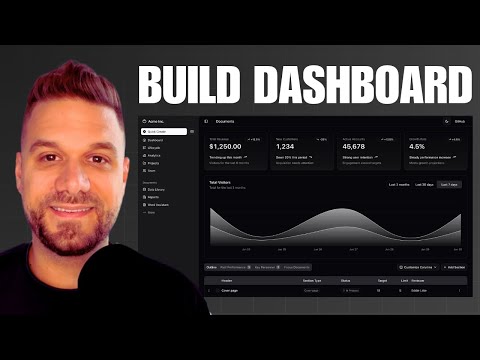
In this video, we build Vivo: A full-stack AI application that helps patients understand their medical lab reports. We’ll use Next.js 15, Supabase for the backend, and Google’s Gemini 2.5 Flash to extract data from PDFs and generate instant, easy-to-understand medical summaries.
We also implement enterprise-grade features like authentication with Supabase Auth, B2B email integrations with Scalekit, and a secure notes system with Row Level Security (RLS).
https://www.komposo.ai/?ref=alberthttps://www.ibuildthis.com/
🚀 Source Code:
https://github.com/mendsalbert/vivo-s...https://github.com/mendsalbert/vivo
🛠️ Tech Stack Used:
Frontend: Next.js 15 (App Router), Tailwind CSS, ShadCN UI
AI & Logic: Google Gemini API (2.5 Flash), PDF Parsing
Backend & DB: Supabase (Postgres, Auth, RLS)
Integrations: Scalekit (B2B Email Connectors)
📚 What You Will Learn:
How to extract text from PDFs using AI (Gemini).
Building a "Chat with PDF" interface.
Setting up Supabase Auth & Google OAuth.
Implementing Row Level Security (RLS) for user privacy.
Using Scalekit for sending emails via Gmail connectors.
Handling file uploads and storage in Supabase buckets.
⭐️ Timestamps:
0:00 - 1:13 Intro & Demo
1:13 - 5:00 My First SaaS
5:00 - 9:35 Komposo AI
9:35 - 15:22 Starter File
15:22 - 31:42 Authpage & Supabase Setup
31:42 - 35:40 SQL Database Setup
35:40 - 47:12 Gemini AI Setup
47:12 - 53:48 User Profile
53:48 - 1:28:11 Lab Report Page
1:28:11 - 1:45:45 Notes page & Scalekit
1:45:45 - Hosting & Outro
#Nextjs #AI #Supabase #GeminiAPI #WebDevelopment #SaaS #CodingTutorial #FullStack