Recommanded Videos
매일 아침 AI로부터 최신 뉴스 받는 방법
2025. 10. 23.
Redis 입문·실전 - 2.1. 로컬(Windows, MacOS)에서 Redis 설치하기
2024. 8. 23.

POV: You Know Exactly Where You Want to Work
2025. 6. 1.
알고 있으면 너무 좋은 프론트엔드 웹 기술 : Full Screen API
2025. 7. 3.
Why a CS Degree Won’t Make You a Great Programmer!
2025. 3. 22.
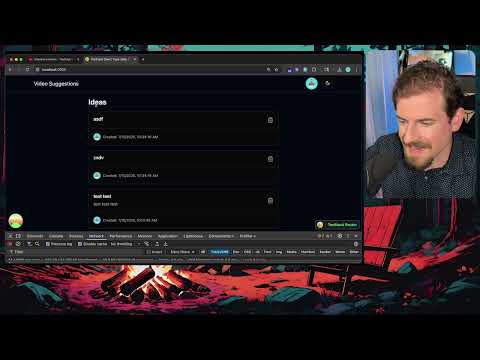
Coding a little upvote functionality (tanstack, better auth, drizzle, shadcn)
2025. 7. 17.